Recognition, awards, and your portfolio
A useful career story explains work that a job title cannot. Valori portfolios provide a place to describe selected contributions and connect them with relevant earned recognition or awards.
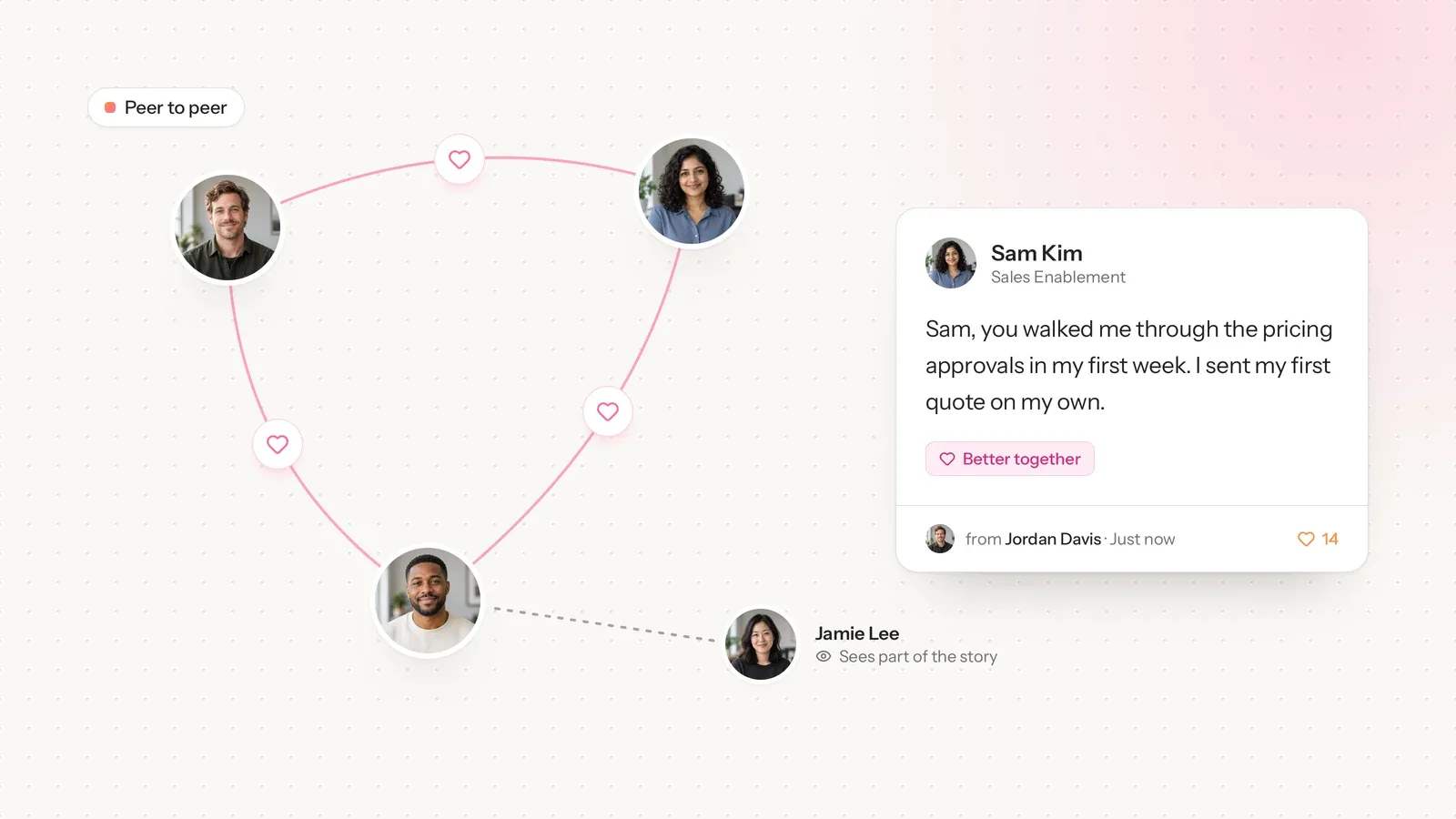
The records remain distinct. A peer recognition message acknowledges something a colleague observed. A formal award is issued by an authorized manager or administrator and includes an award certificate. A portfolio story is a selected account of work, with its own recorded verification status where applicable.
Receiving recognition does not automatically issue a certificate, verify a portfolio story, or publish anything externally. You decide which story you want to prepare and which relevant evidence to include.
Write the story before choosing the artwork
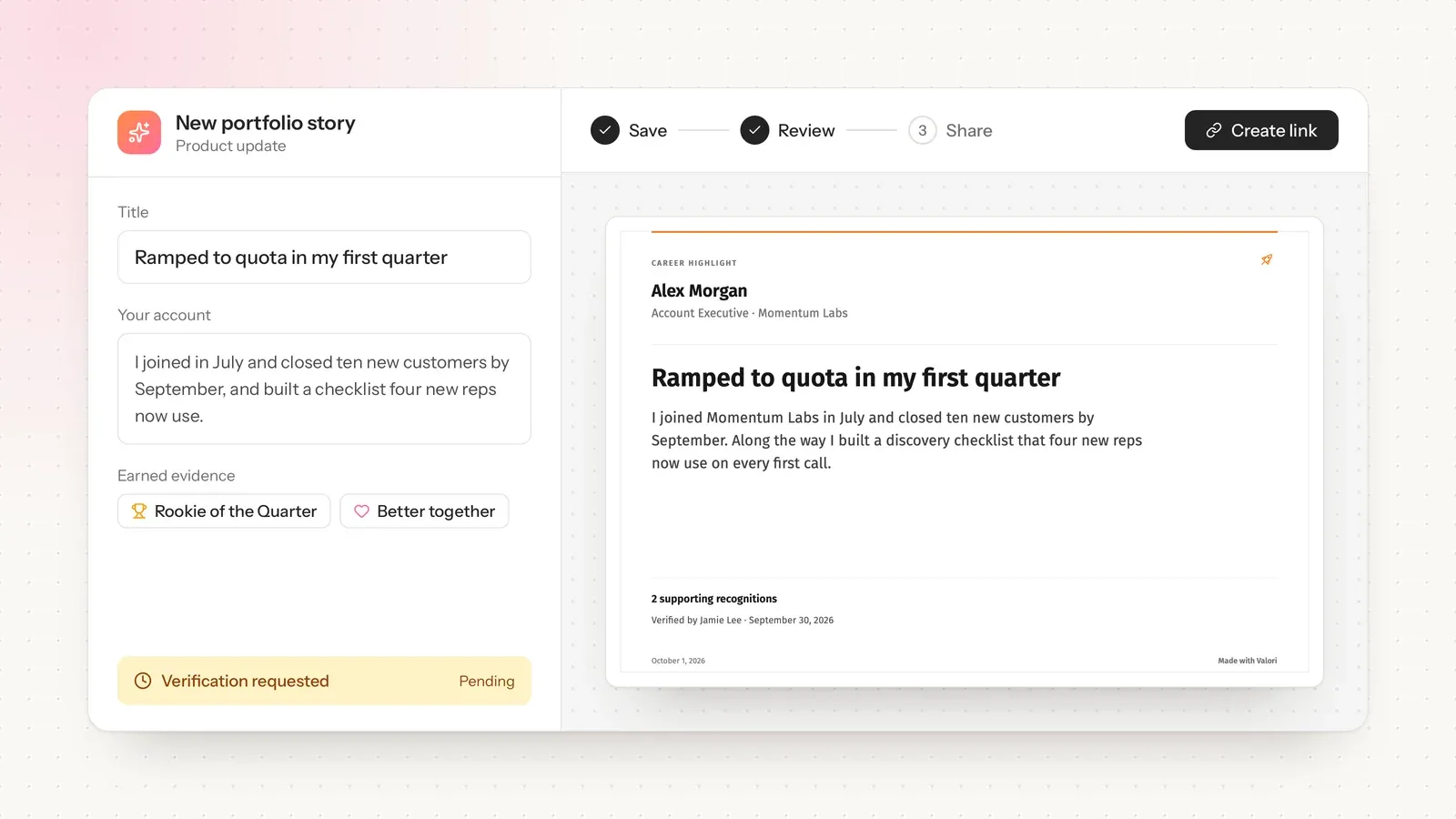
Start with a title a reader can understand. Explain the situation, your role, what you did, and the outcome you can support. Credit collaborators and separate a completed result from a goal you are still working toward.
Then select earned recognition or awards that add context. An attachment should support the story rather than simply make the page longer. Check the full message: it may contain sensitive information that is appropriate internally but unsuitable for a public audience.
The portfolio editor lets you adjust the presentation and preview the artwork. A professional design helps a reader navigate the record; it does not independently validate the claims inside it.
Save, review, and request verification when useful
Save a story before sharing its record. If manager verification is appropriate, request it as a separate step and wait for the actual response. A pending request should never be presented as an approved claim.
You can edit a saved story to correct the wording or remove an unsuitable attachment. Changes to its content require a fresh basis for verification and sharing; do not treat approval of an earlier version as approval of everything added later.
Formal award certificates retain the branding captured when the award was issued. They are evidence of the issuer's award decision, not editable templates for creating a different credential.
Share only the version you intend to make public
Before downloading or publishing a selected record, review all text, imagery, and attachments. Remove customer names, logos, and identifying information unless the relevant customer or company has given permission. Also check your employer's confidentiality and branding requirements.
A downloaded image or PDF is a file you choose how to use. A published link makes the selected record accessible to people who have that link. Neither action automatically posts on LinkedIn.
Public links can be revoked, but copies and screenshots already made by others cannot be recalled. Keep an approved private copy when appropriate, and do not rely on indefinite access to a workspace or hosted record.
Start with one contribution you can explain well. An accurate, readable example of your work is more useful than a large collection of claims with unclear status.